
Vintapp
Your resale listing
from a single photo
Snap a photo of your item laid flat. Vintapp creates the model photos, the title and the description. All that’s left is to check and post.
 On a computer?Scan this code with your iPhone: it opens Vintapp on the App Store.
4.5 on the App Store in France · 42 ratings
For iPhone. Your first listing is free, no card required.
For Vinted, Depop, eBay, Facebook Marketplace and other selling apps.
What Vintapp does
From the photo to a listing ready to post, wherever you sell, it all happens in the app.
Why Vintapp?
From photo to ready-to-post listing in about a minute.
Photos that catch the eye
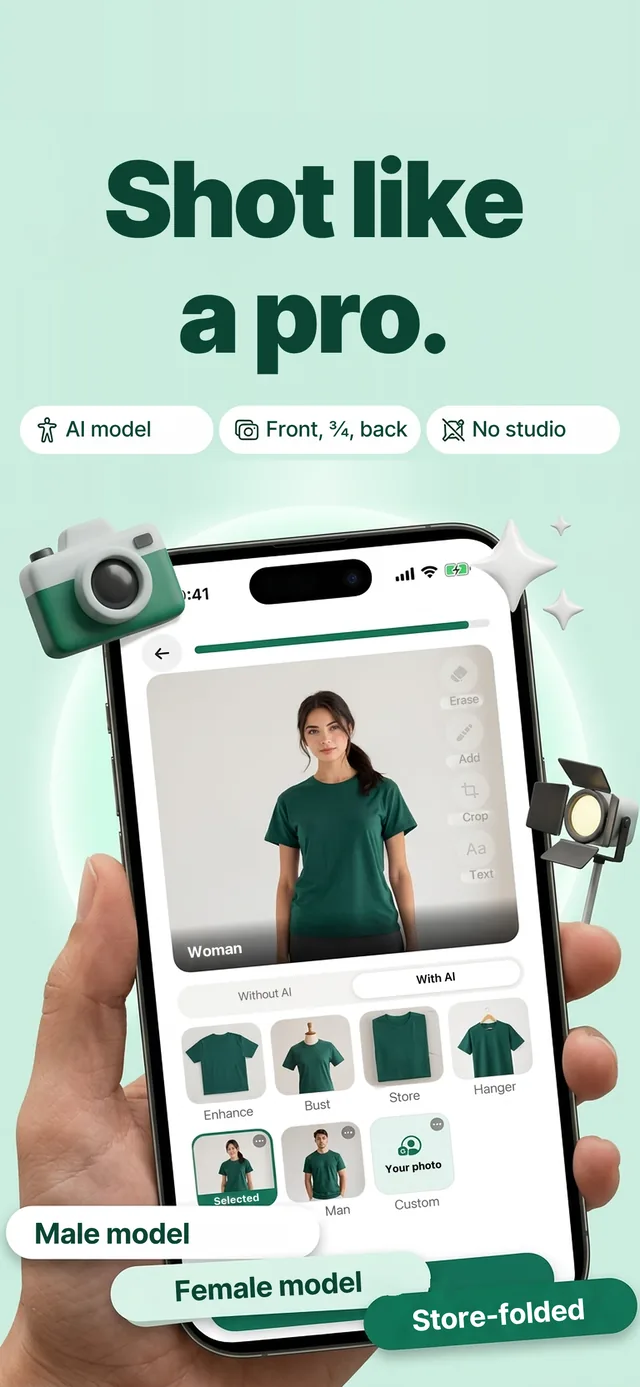
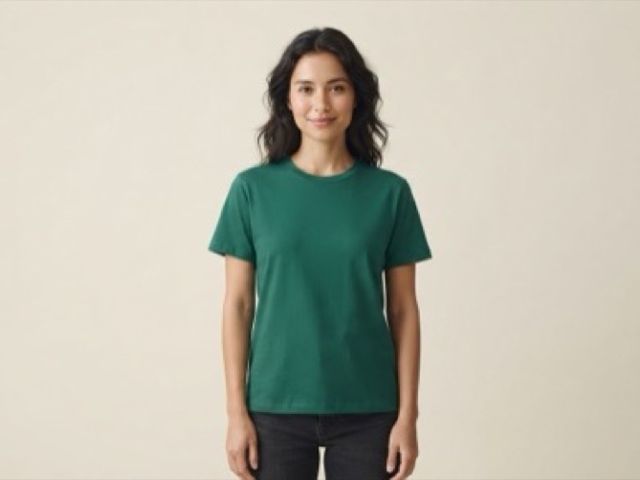
Your item worn by a model, or styled your way: 9 styles, 3 angles.
Title and description, written for you
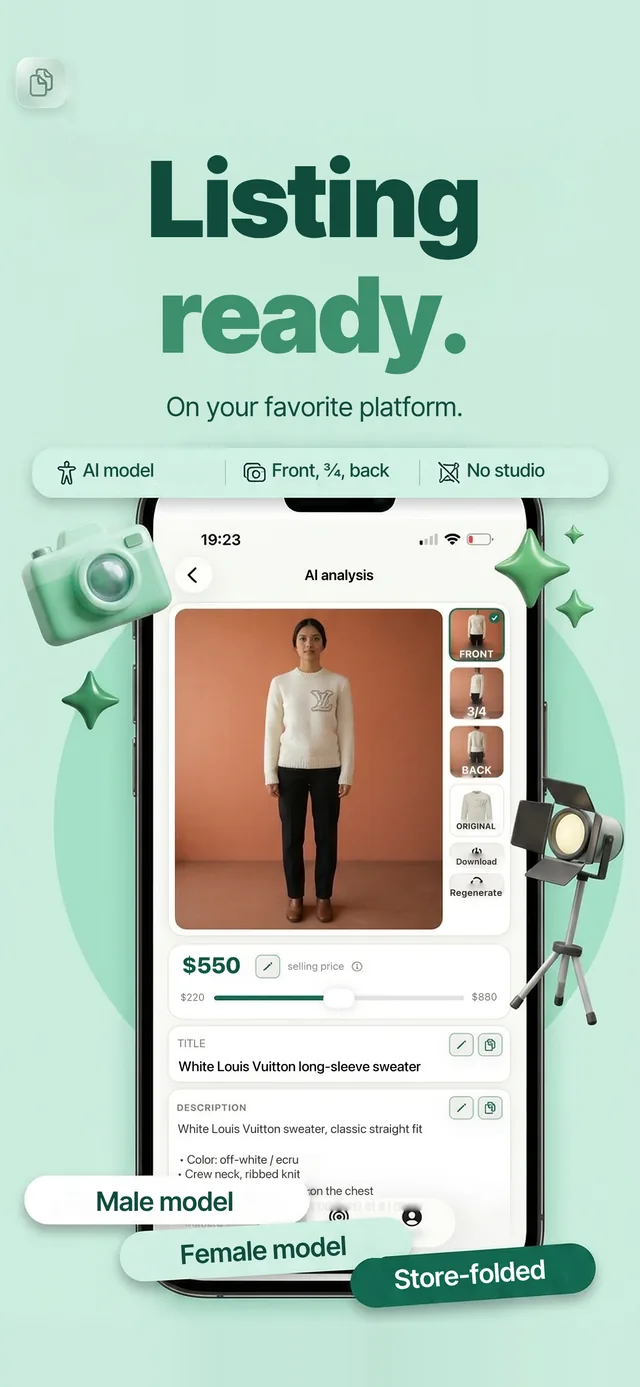
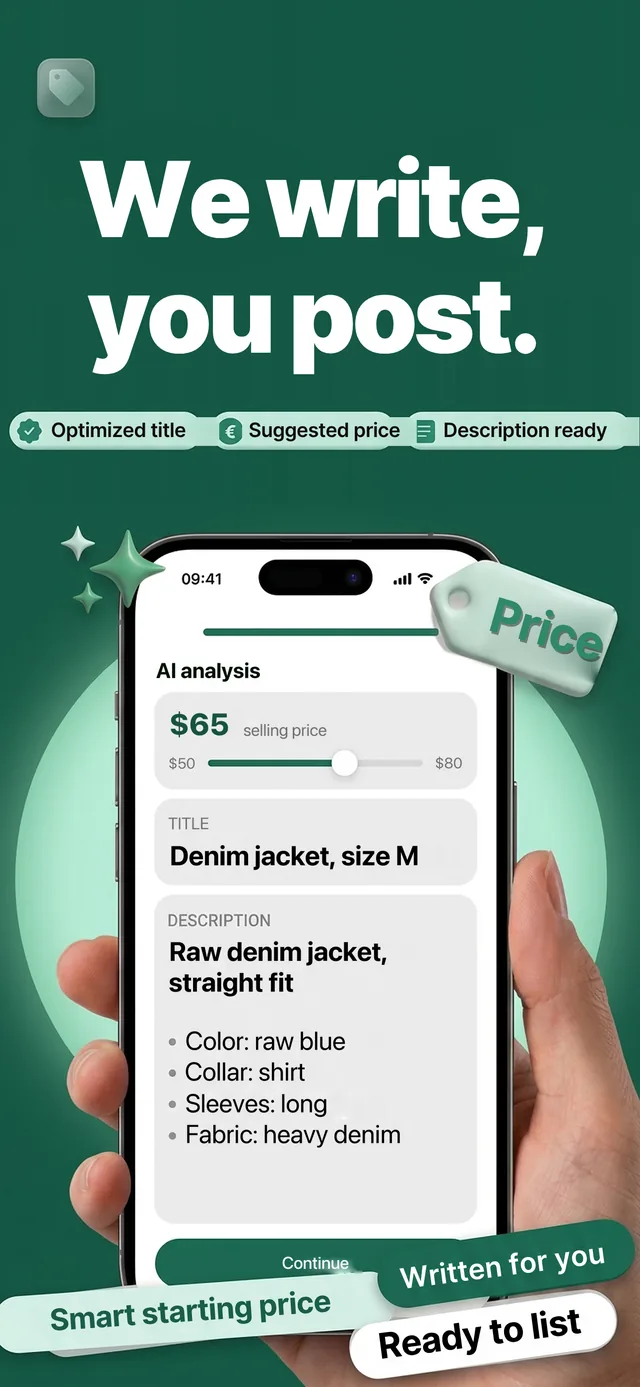
Written from the photo, with a suggested price you adjust.
Ready to post
Vintapp opens Vinted, eBay, Facebook Marketplace or Depop and fills in the listing form for you. You check it, and you’re the one who posts it. For any other selling app, you copy your listing.
Where you sell in the US
Vintapp writes your listing for the site you’re selling on, opens its listing form and fills it in. You check it, and you’re the one who posts it.
- Vintedvinted.com
- eBayebay.com
- Facebook Marketplace
- Depop
Written for vinted.com
With US sizes, and the conditions and categories of its form.
A price in dollars
The suggested price is in dollars, and you adjust it.
On Poshmark, Mercari and other selling apps
You copy your listing and save your photos, then you post it yourself.
On the App Store in the US, the app is called “Vintapp: Sell Used Clothes”.
Choose your model
Woman, man, bust, hanger, folded like in a store, or your own model: the same item, shown the way you want. You’re told before any image is generated, and the styles that keep your own pixels are marked in the app.
Questions we get asked
How does it work?
Take a photo of your item laid flat, or pick one from your photo library. Vintapp creates the photos, writes the title and the description, and suggests a price for you to adjust. The app then opens Vinted, eBay, Facebook Marketplace or Depop and fills in the listing form with your listing; for any other selling app, you copy your listing and save the photos. You review it, change whatever you like, and you’re the one who posts it.
Does Vintapp post on my behalf?
No, never. On Vinted, eBay, Facebook Marketplace and Depop, the app fills in the form in your own session, and you’re the one who taps the button that posts it; anywhere else, you paste your listing and post it yourself. Vintapp sends no messages in your name, never changes a price behind your back and never relists anything without you.
Are model photos allowed on Vinted and other selling apps?
Every platform sets its own rules for photos and can change them: we can’t make promises on its behalf. Here’s what we do on our side: the “Cutout” and “Backdrop” styles keep your original pixels, and you’re told before any image is generated from your photo. Our advice: always keep at least one real photo of your item in the listing. What you post is your call.
The app got my item wrong. What can I do?
It depends on the photo. What works: daylight, the item laid flat, fully in the frame, with nothing else around it. A dark or crooked photo gives a less accurate listing.
You can edit every field of the listing before posting, especially the brand and the size, which the app doesn’t always get right. And if you don’t like the result, retake the photo and try again.
How do I cancel?
The subscription is managed by Apple, never by us. On your iPhone: Settings, then your name at the top, then Subscriptions, then Vintapp, then “Cancel Subscription”. It stays active until the end of the period you’ve already paid for, then stops. You can also use the Subscriptions page of your Apple Account.
Deleting the app doesn’t cancel the subscription.
Do you keep my photos?
Your photos are used to create your listing and your images, and they stay in your account so you can find them again. They’re never sold or shared with Vinted or any other selling platform. Deleting a listing from “My listings” erases the original photo and the images generated from it. Deleting your account erases everything.
42 ratings

Your next listing starts with a photo.
On a computer?Scan this code with your iPhone: it opens Vintapp on the App Store.
Your first listing is free. No commitment, cancel at any time.·Terms of Sale·Privacy Policy