
Vintapp
Your resale listing
from a single photo
Snap a photo of your item laid flat. Vintapp creates the model photos, the title and the description. All that’s left is to check and post.

4.4 on the App Store in France · 38 ratings
For iPhone. Your first listing is free, no card required.
For Vinted, Depop, eBay, Facebook Marketplace, Poshmark and other selling apps.
What Vintapp does
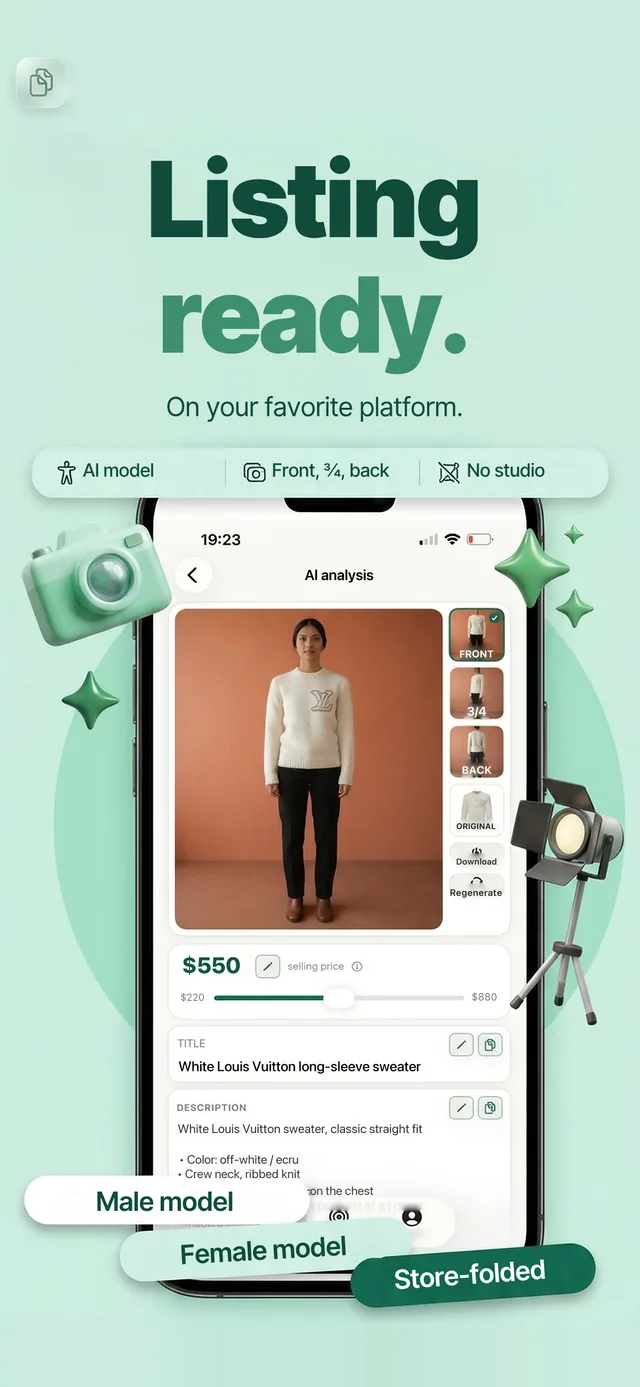
From the photo to a listing ready to post, wherever you sell, it all happens in the app.
Why Vintapp?
From photo to ready-to-post listing in about a minute.
Photos that catch the eye
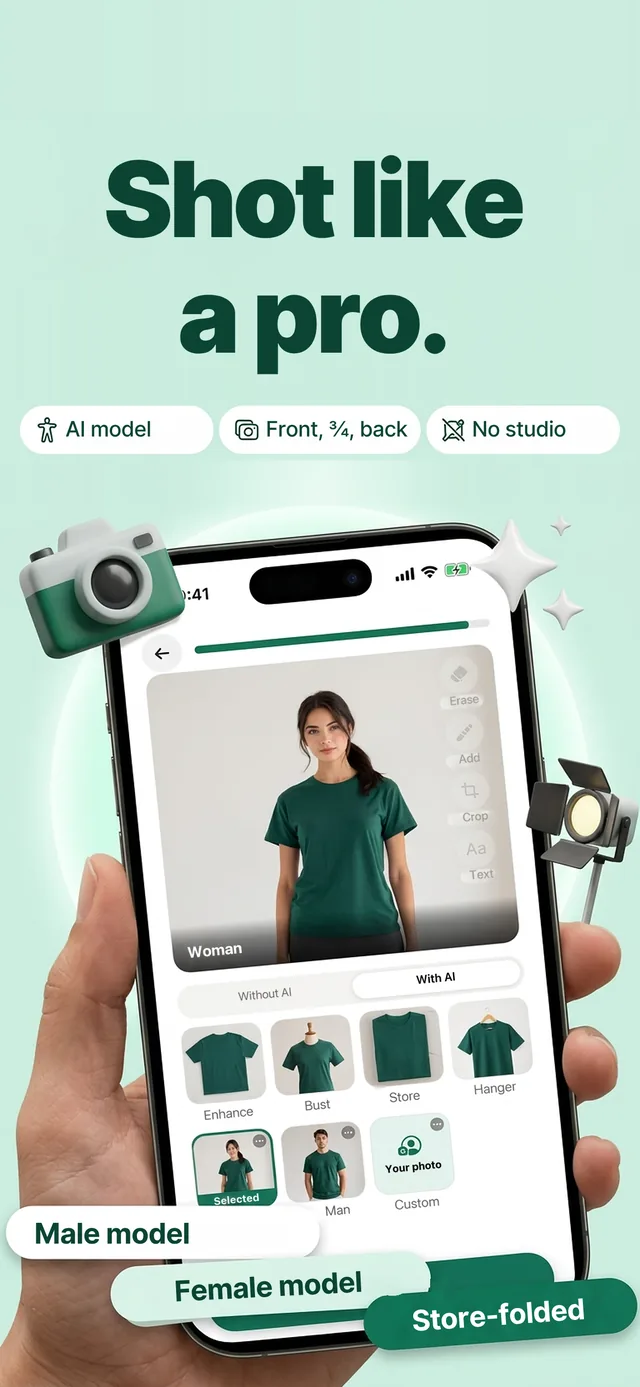
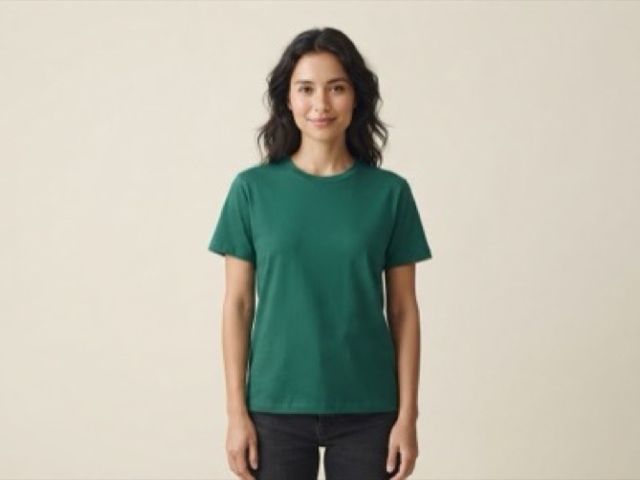
Your item worn by a model, or styled your way: 9 styles, 3 angles.
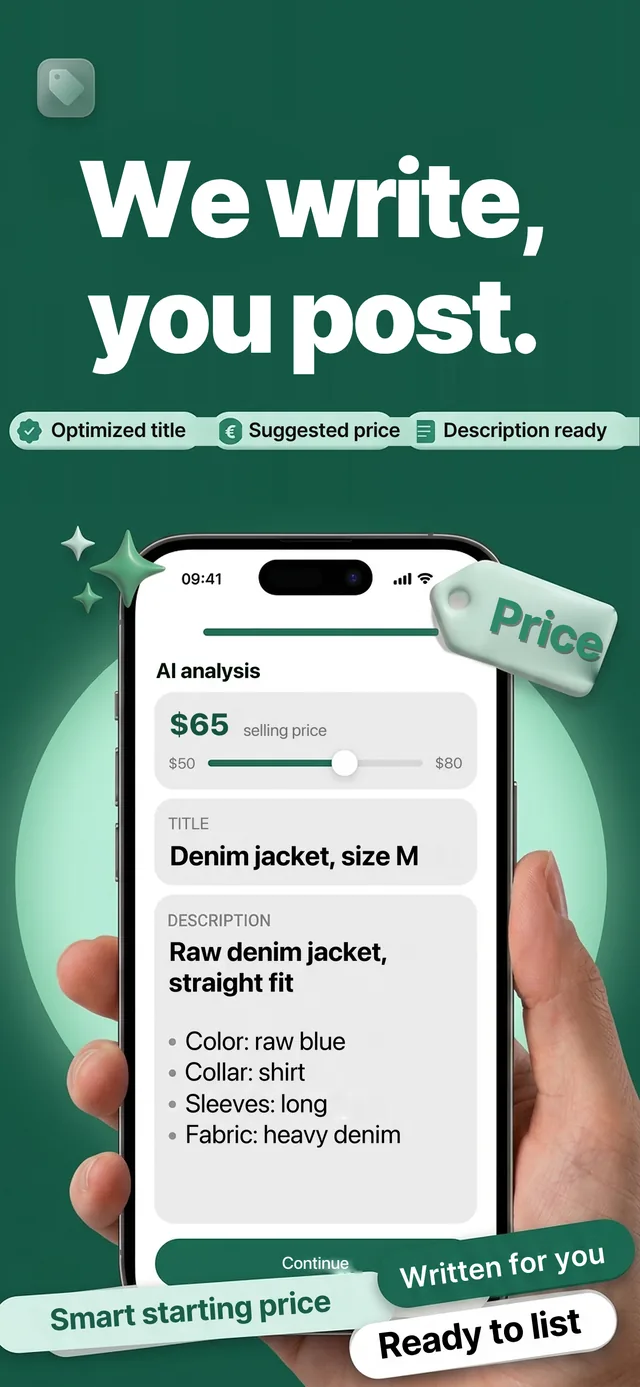
Title and description, written for you
Written from the photo, with a suggested price you adjust.
Ready to post
Save the photos, copy your listing and post it on Vinted, Depop, eBay, Facebook Marketplace or any other selling app. You review it, you post it.
Choose your model
Woman, man, bust, hanger, folded like in a store, or your own model: the same item, shown the way you want. You’re told before any image is generated, and the styles that keep your own pixels are marked in the app.
Questions we get asked
How does it work?
Take a photo of your item laid flat, or pick one from your photo library. Vintapp creates the photos, writes the title and the description, and suggests a price for you to adjust. Then you save the photos, copy your listing and post it on Vinted, Depop, eBay, Facebook Marketplace or any other selling app. You review it, change whatever you like, and you’re the one who posts it.
Does Vintapp post on my behalf?
No, never. You copy your listing, add the photos and publish it yourself, from your own account, on Vinted or anywhere else. Vintapp sends no messages in your name, never changes a price behind your back and never relists anything without you.
Are model photos allowed on Vinted and other selling apps?
Every platform sets its own rules for photos and can change them: we can’t make promises on its behalf. Here’s what we do on our side: the “Cutout” and “Backdrop” styles keep your original pixels, and you’re told before any image is generated from your photo. Our advice: always keep at least one real photo of your item in the listing. What you post is your call.
The app got my item wrong. What can I do?
It depends on the photo. What works: daylight, the item laid flat, fully in the frame, with nothing else around it. A dark or crooked photo gives a less accurate listing.
You can edit every field of the listing before posting, especially the brand and the size, which the app doesn’t always get right. And if you don’t like the result, retake the photo and try again.
How do I cancel?
The subscription is managed by Apple, never by us. On your iPhone: Settings, then your name at the top, then Subscriptions, then Vintapp, then “Cancel Subscription”. It stays active until the end of the period you’ve already paid for, then stops. You can also use the Subscriptions page of your Apple Account.
Deleting the app doesn’t cancel the subscription.
Do you keep my photos?
Your photos are used to create your listing and your images, and they stay in your account so you can find them again. They’re never sold or shared with Vinted or any other selling platform. Deleting a listing from “My listings” erases the original photo and the images generated from it. Deleting your account erases everything.
38 ratings

Your next listing starts with a photo.
Your first listing is free. No commitment, cancel at any time.·Terms of Sale·Privacy Policy